Growth through technical environments
The SysGuard rebuild was not part of my Technical Support employment. It is an independent development project. However, working in technical-support environments strengthened how I reason about software: reproduce before concluding, isolate the likely failure boundary, inspect browser and application state, validate fixes, document evidence, consider user impact, and communicate clearly with engineers.
Those habits changed the questions I asked while rebuilding the application. What happens when the session expires? Who owns this record? Can a requester infer that an internal note exists? What state transitions are valid? Is a private file still private when someone bypasses the interface? How does the workflow behave on mobile or when a submission partially succeeds?
Agentic development changed my workflow and leverage
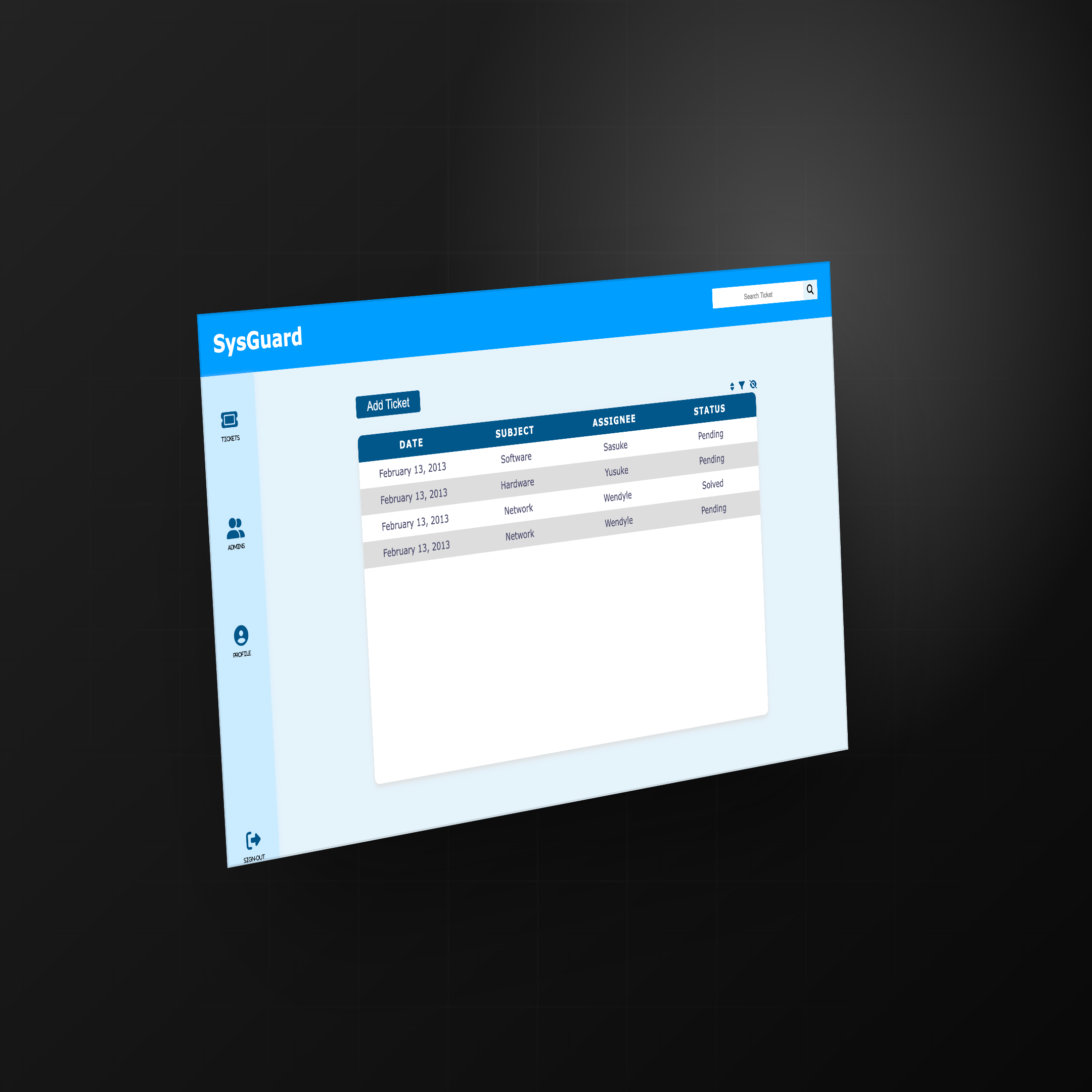
Development was already part of my technical interests before agentic coding tools existed. The original SysGuard frontend is evidence of that. What changed was not suddenly becoming interested in software development—it was gaining better tools, better technical judgment, and a more disciplined way to approach complex systems.
Instead of treating AI as a source of isolated code snippets, I worked through a controlled engineering loop:
- Inspect the existing system. Preserve useful history without assuming the old implementation is a safe foundation.
- Understand requirements and define constraints. Separate requester and administrator needs, security boundaries, portfolio scope, and explicit non-goals.
- Decompose and research. Break authentication, data, authorization, storage, lifecycle, interface, and testing into reviewable parts.
- Implement and test. Build the smallest coherent slice, then verify its types, behavior, permissions, and responsive presentation.
- Inspect failures and regressions. Use test output, browser behavior, code, migrations, and application state as evidence rather than guessing.
- Review security and documentation. Re-check trust boundaries, record decisions, and state limitations before calling the work complete.
- Iterate to acceptance criteria. Correct findings and repeat the validation loop until the implementation matches the intended behavior.
Agentic AI accelerated that process, but it did not remove the need to understand the system. The more capable the tools become, the more important it is to define constraints, inspect their output, test assumptions, and recognize when something is technically wrong.
One product, two deliberately different experiences
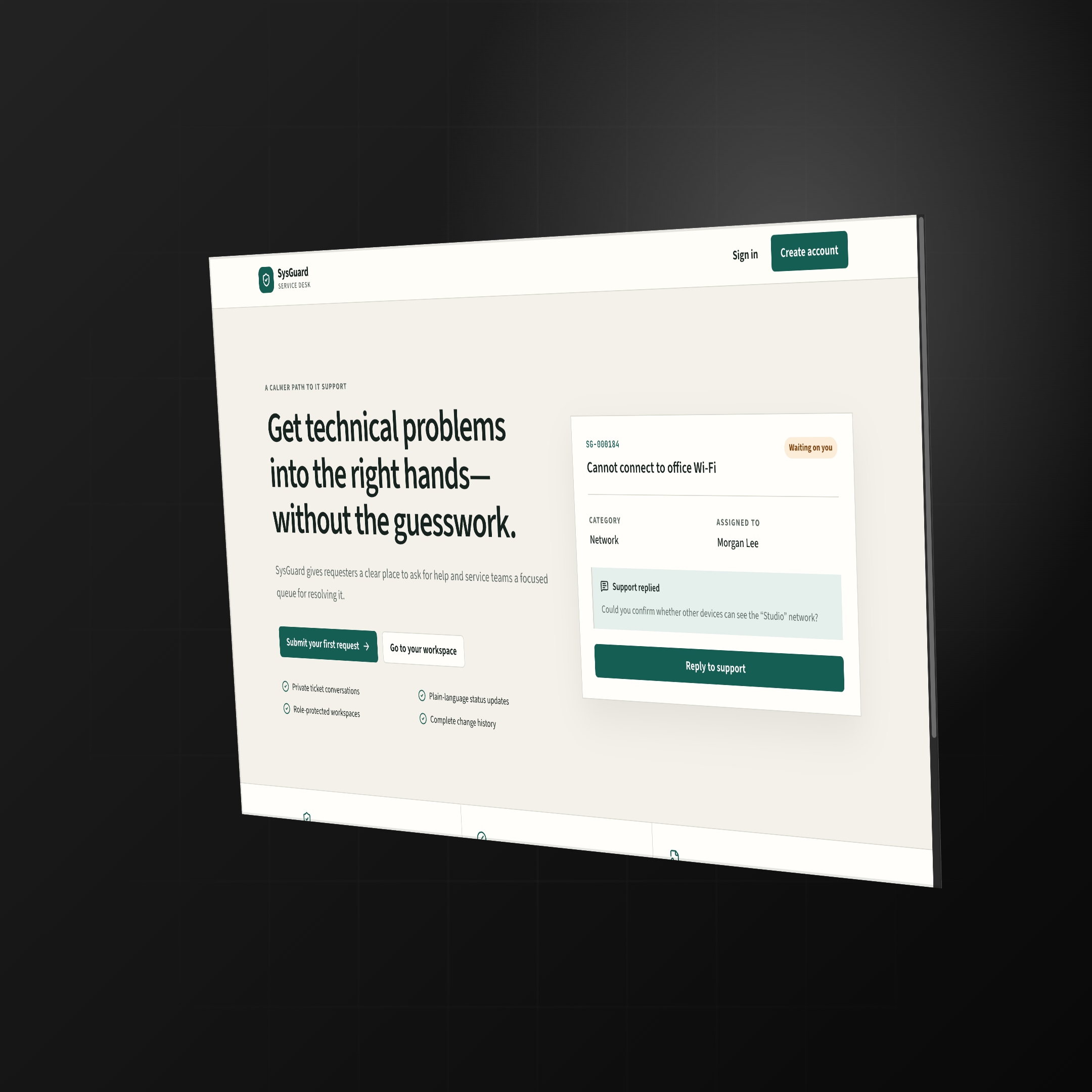
Requester portal · /portal
A calmer place to ask for help
Requesters can create and follow their own tickets, use human-readable impact choices, search and filter work, exchange public replies, access authorized attachments, manage notifications and profile details, and reopen or close eligible resolved requests.
Administrator desk · /admin
A denser operational workspace
Administrators get metrics, a bounded operational queue, assignment and lifecycle controls, due dates, public replies, internal notes, actor-attributed event history, people and role management, invitations, and category administration.
Both experiences share Supabase authentication and PostgreSQL data, but protected layouts, server-side role checks, and database policies enforce different authorization expectations. The visual separation supports each workflow; it is not treated as the security boundary.
Security became part of the architecture
Modern SysGuard uses Supabase Auth for identity, server-side authorization for protected routes and actions, and Row Level Security as the final boundary for user-facing data. Public signup always provisions a requester; client-controlled metadata cannot grant administrator access.
- Requesters are limited to owned tickets, public messages and events, authorized attachments, and their own notifications.
- Administrator-only actions re-check role and use transactional database functions for protected workflow changes.
- Internal notes and their audit events are hidden from requester policies.
- Attachments use normalized paths, a private bucket, MIME, size, and count limits, and authorized 60-second signed downloads.
- Ticket lifecycle rules are validated in application code and enforced again by PostgreSQL.
- Ordinary authenticated users cannot rewrite append-only event history.
QA became part of development
Development did not stop when the interface looked correct. The repository defines formatting, zero-warning linting, strict TypeScript checking, unit and component tests, a production build, Playwright browser coverage, axe accessibility checks, and pgTAP authorization tests for a configured local Supabase environment.
The project history records follow-up work on navigation and session behavior, ticket workflows, database function access, filters, ticket controls, toolbar presentation, and mobile keyboard accessibility. That history matters because it shows QA as an implementation loop: test, inspect, correct, and re-test.
The authenticated browser journey is designed to exercise ownership denial, role redirects, private attachments, public versus internal visibility, waiting behavior, resolution and reopening, logout, mobile overflow, and accessibility. Infrastructure-dependent tests still require isolated test identities and a configured Supabase project; authored coverage is not presented as proof that every external environment always passes.
Agentic AI is a technical workflow, not just a coding tool
Agentic AI is useful in development because an agent can inspect a codebase, reason across multiple files, implement changes, run tests, identify failures, and iterate. The same underlying workflow has value in technical support.
Development
Inspect code → understand constraints → implement → test → debug → document.
Technical support
Inspect evidence → reproduce → form hypotheses → review logs, code, and documentation → isolate the failure → validate → communicate or escalate.
The shared capability is technical reasoning and verification. I do not see agentic AI as something useful only for writing software. In support, it can help gather evidence, compare documentation, inspect technical behavior, organize hypotheses, validate a workaround, and prepare a stronger engineering escalation.
The agent can accelerate the investigation; technical judgment still determines whether the conclusion is trustworthy. Customer information should not be submitted indiscriminately to AI systems, and an agent should not blindly answer customers or modify production environments.
The value of an agent is not that it removes the need to understand the system. Its value increases when the person directing it can recognize incorrect assumptions, test its work, narrow the problem, and decide what evidence actually matters.
How development strengthens the way I approach technical support
SysGuard is a development project, but the way I built it reflects the same habits I value in technical support: investigate before assuming, reproduce before concluding, verify permissions and state, test edge cases, document what changed, and leave enough evidence for the next person to understand the problem.
Hands-on development helps me read frontend behavior critically, understand state and data flow, reason about application boundaries, build minimal reproductions, validate fixes, identify likely frontend-versus-backend boundaries, and communicate with developers more precisely.
Working in technical support also changed how I build. I now think more deliberately about failure states, permissions, reproduction steps, user impact, edge cases, observability, documentation, and what happens when the happy path breaks. See how this engineering depth complements my SaaS technical support experience in the Philippines.
What I learned
- Development interest can predate AI while the workflow and available leverage still change substantially.
- Engineering judgment, constraints, and acceptance criteria matter more than raw code generation.
- QA is part of implementation, not a final cosmetic step.
- Security has to exist in architecture, database policy, and server behavior—not only in navigation.
- Technical support and software development are separate disciplines, but both benefit from disciplined investigation, verification, and documentation.
Current limitations
SysGuard is a portfolio and demonstration application, not an enterprise ITSM platform or approval for sensitive or regulated production data. Its repository explicitly documents the current boundaries:
- No malware scanning, content disarm, DLP, or attachment quarantine.
- No application-level rate limiter, abuse queue, SIEM export, or formal incident-response integration.
- No ticket email or SMS notification engine, background worker, complete SLA calendar, or escalation engine.
- No enterprise SSO, SCIM, organization isolation, or full multi-tenant architecture.
- Authenticated end-to-end and RLS testing require external infrastructure and isolated test identities.
Review the project evidence
Create a requester account from the public SysGuard application and a separate administrator account through the admin entry point. Open the two accounts in separate browser sessions to submit a ticket as the requester, respond as the administrator, and continue the support conversation from both sides.